Step-by-Step Instructions
-
Access the Quantity App. Currently, only this part of the app allows you to copy and paste model data with predefined settings for easy sharing.
-
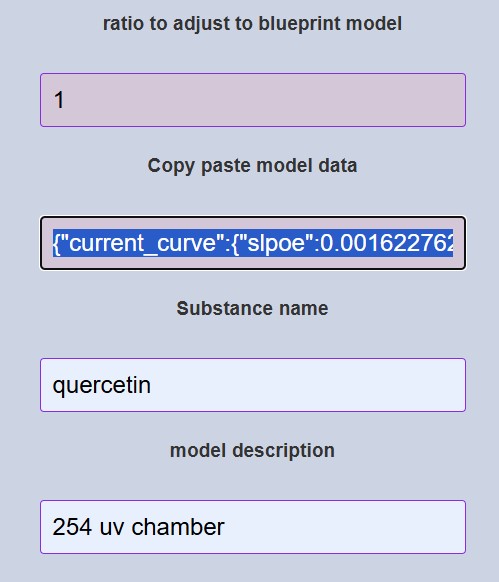
Copy the model data from the "Copy-paste model data" input field and paste it into the same input field in the application on another device. The tool automatically applies the settings upon pasting.
-
When focusing on the input field, the content is updated dynamically. This ensures you are working with the most recent data.
-
To collaborate with peers, share the exported file via email or a secure file-sharing platform. Ensure all participants have access to the required tools for viewing and editing the data.
Tips for Effective Data Sharing
Follow these best practices for efficient and reliable collaboration:
- Always use a consistent file naming convention to avoid confusion.
- Include a short description or metadata file explaining the content of the exported data.
- Ensure that all collaborators are familiar with the tool and file formats used for exporting data.
Data Export Tool Illustration
Refer to the image below for a visual guide on using the data export tool: